Wumbi
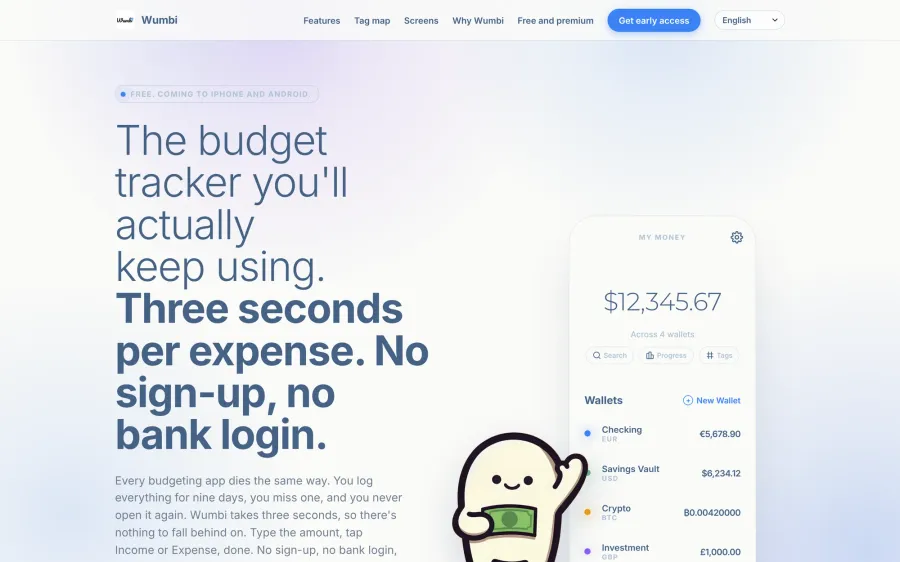
My own budget app. You type the amount, tap once, and the expense is saved. It launches soon on iPhone and Android.
( In progress )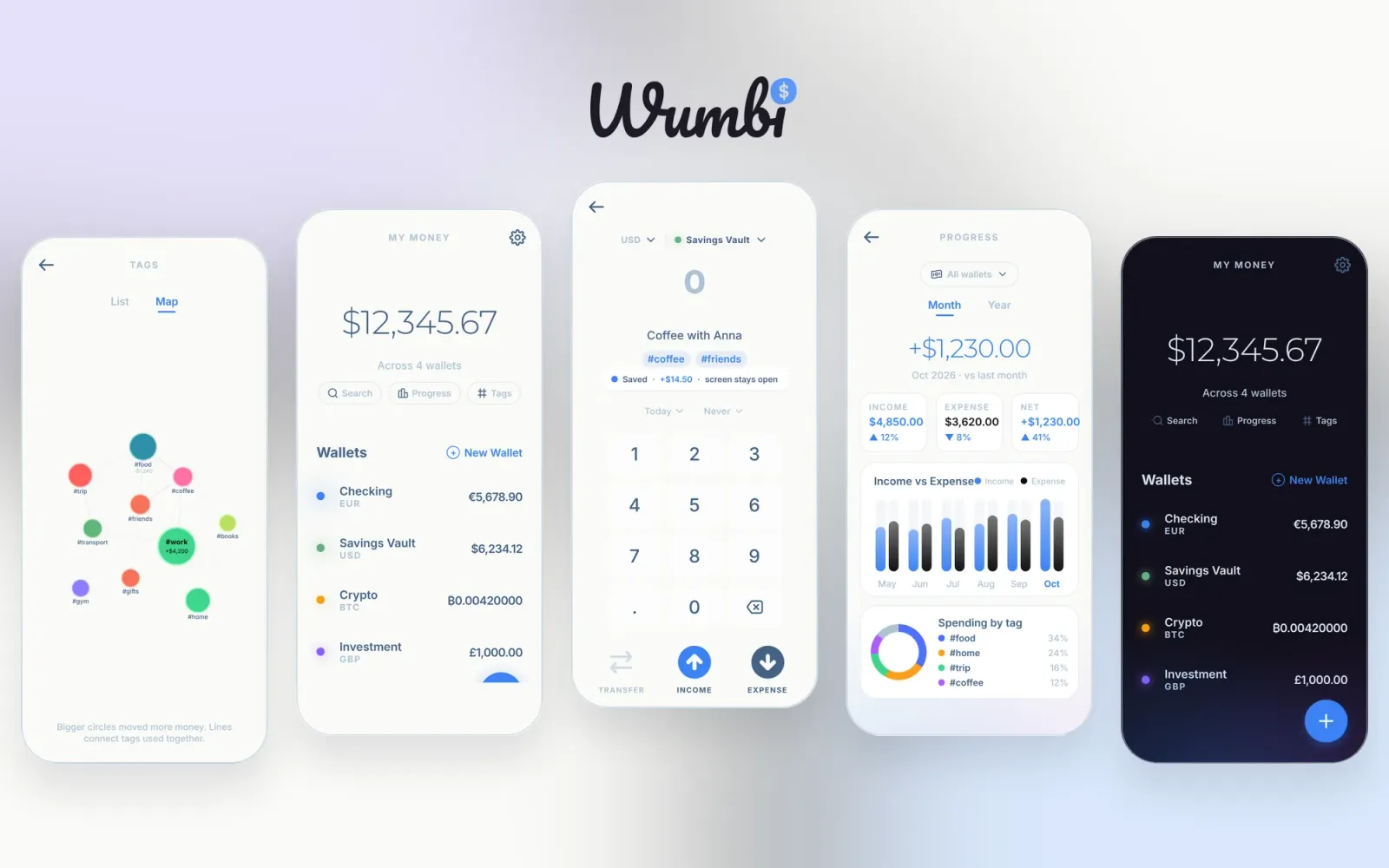
( 01 )The problem
I have installed and deleted more budget apps than I like to admit, and it always ended the same way. I logged everything for a week or so, missed one day, and never opened the app again. Every one of them asked for a category, an account and a confirmation before I could write down a coffee, and some wanted my bank login on the first screen. So I started building the budget app I would actually keep using.
( 02 )What I did
Product and design
- I gave myself one rule. Logging an expense should take about three seconds, from opening the app to the moment it is saved.
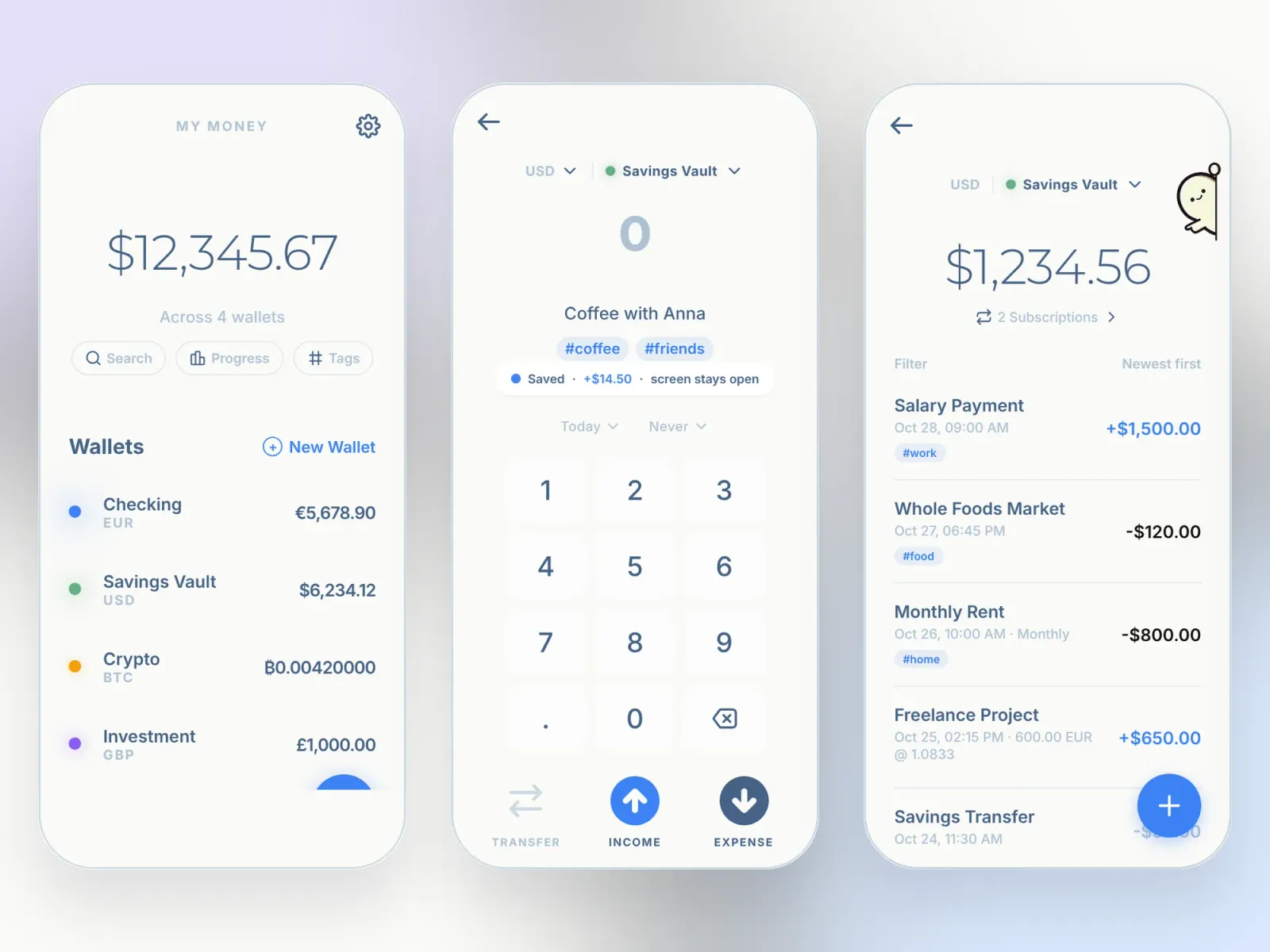
- The whole app is five screens. Choosing a wallet, a currency, a date or a repeat happens in a bottom sheet, so you never wander off somewhere and lose your place.
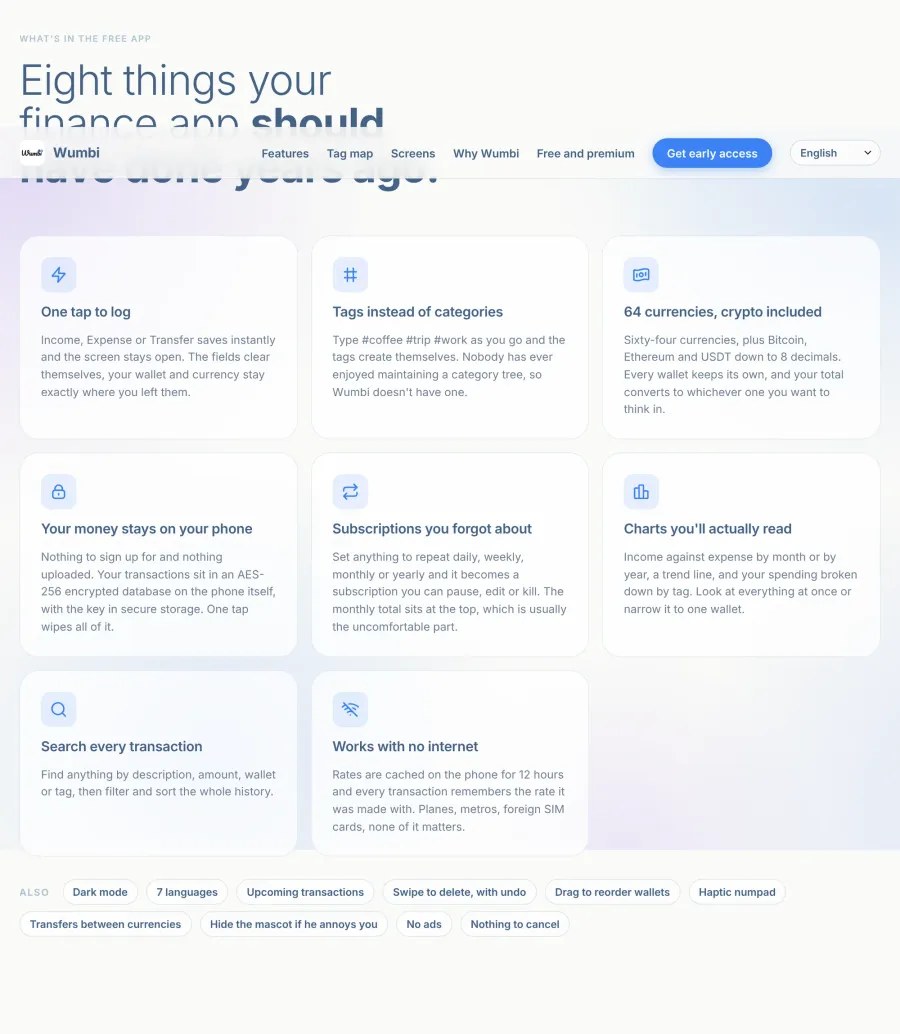
- There are no categories at all. You write #coffee or #trip in the description and the tag exists from that moment.
- I designed the screens and the design system myself, and gave the app a small mascot who peeks in from the edge of the screen. You can hide him in the settings if he gets on your nerves.
The app
- Flutter with Riverpod and hooks, auto_route for navigation, and every feature split into its own data and UI layers.
- Your data lives in an SQLCipher database on the phone, encrypted with AES-256, with the key kept in secure storage. The free version needs no account and no server.
- A custom numpad that gives haptic feedback the moment your finger touches a key. Income and Expense save in one tap, the fields clear, and the screen stays open for the next one.
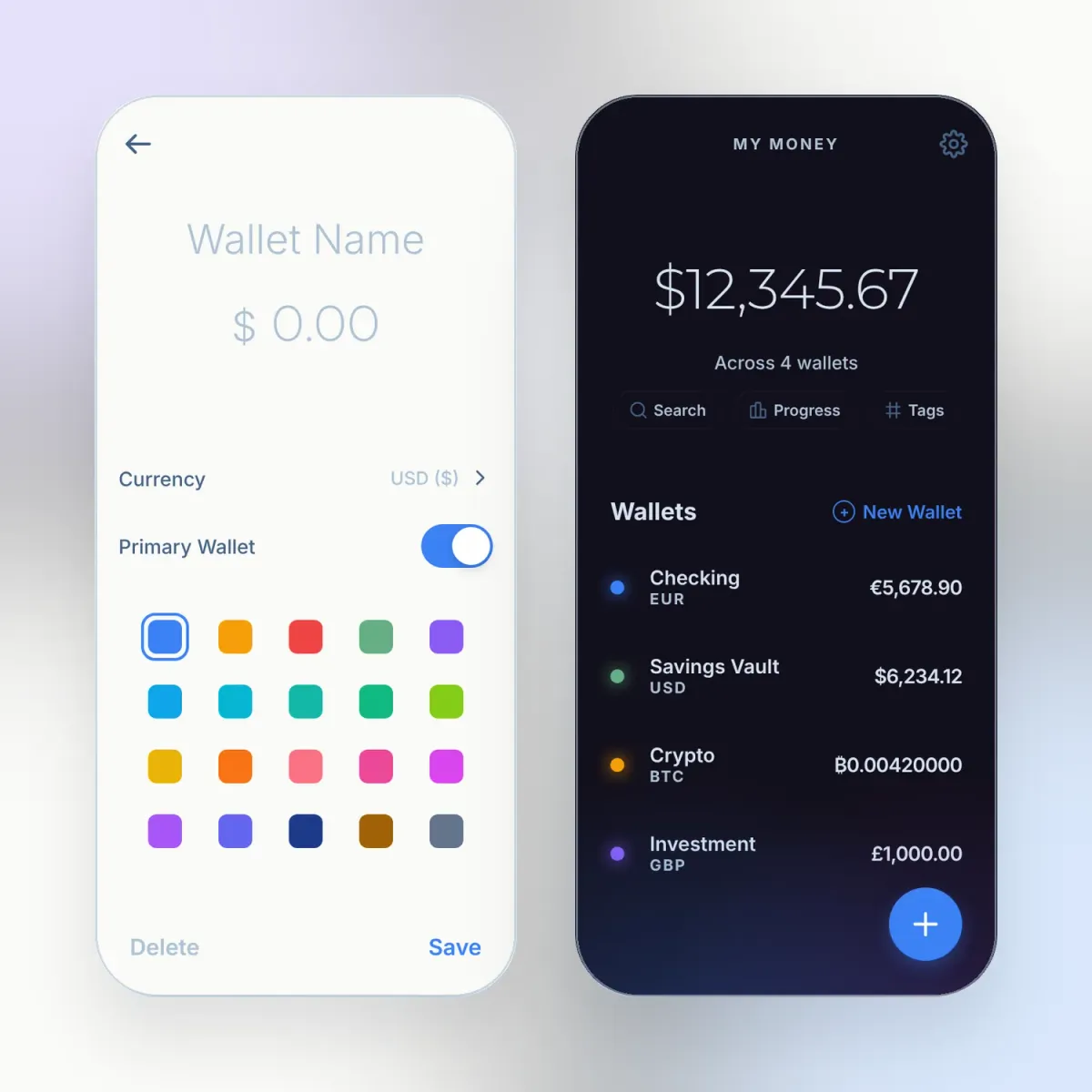
- 64 currencies including Bitcoin, Ethereum and USDT with 8 decimals. Each wallet has its own currency and the total is converted into the one you think in.
- Repeating payments become subscriptions you can pause or stop, and when you open the app after a few days it catches up on everything that was due.
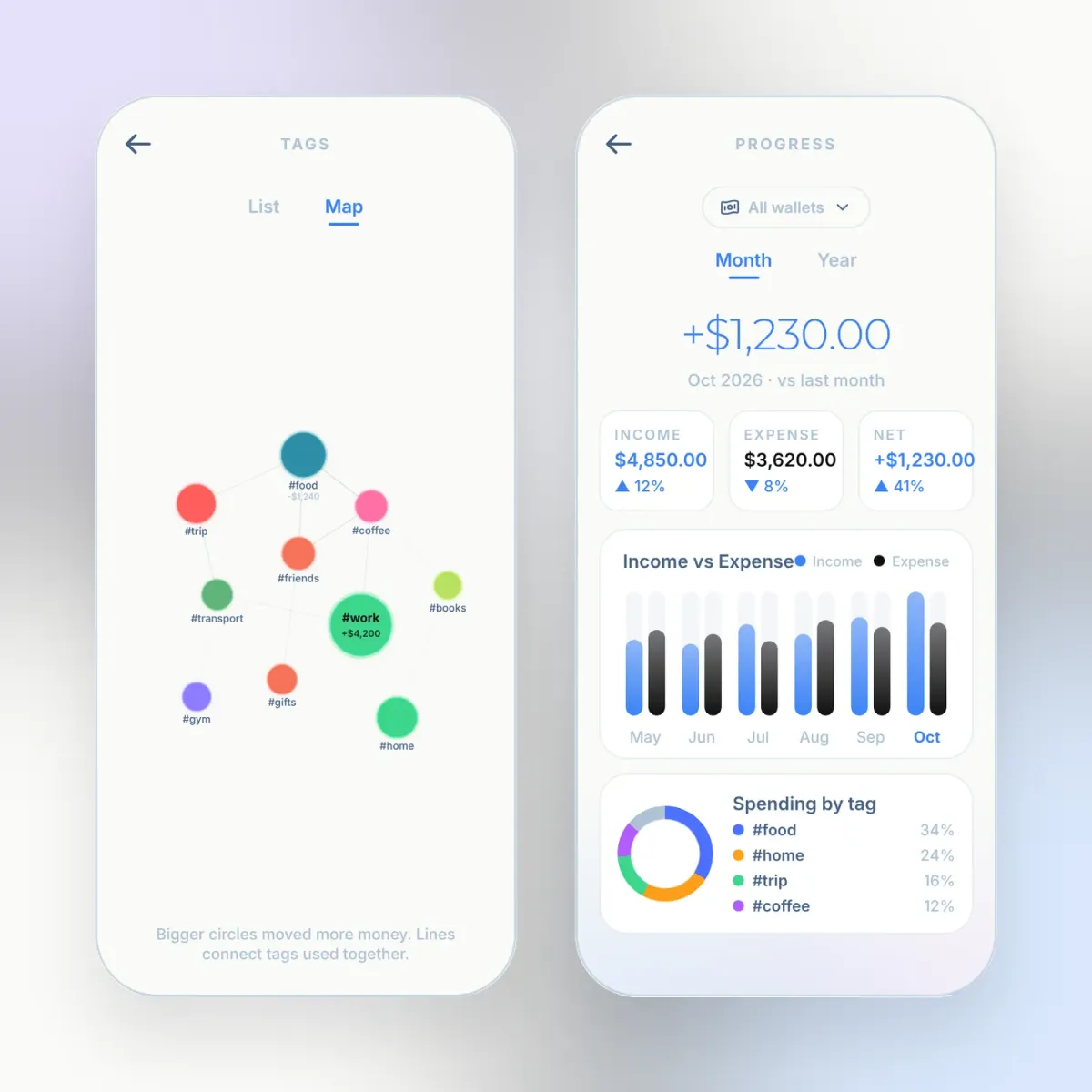
- A tag map where each tag is a bubble sized by the money that went through it, plus charts for income, expense and spending by tag.
- Seven languages, Arabic included with a full right to left layout.
The website
- I built wumbi.app as a static site in the same seven languages. The phone mockups on the page are interactive and use the real labels from the app, and there is a waitlist for launch day and a free budget planner template that brings people in from search.
( 03 )Screens
( 04 )The hard parts
- Money that stays true. You can type an amount in euros and pay from a dollar wallet. I store both numbers and the rate of that day, so last month never changes when the rates move. Rates are cached for 12 hours, so the app works fine on a plane.
- Three seconds is harder than it sounds. I had to count every tap. The Save button went, the confirmation screen went, the category picker went.
- Free today, sync tomorrow. The database already uses UUIDs, soft deletes and timestamps, so backup and bank sync can arrive with premium without rewriting the data layer.
( 05 )The outcome
The first version of the app is built and the website is live with a waitlist. I am polishing the last details before the release on the App Store and Google Play. It is also the clearest picture of how I like to work, one person carrying a product from the first sketch to the store listing.
( 06 )Stack
- Flutter
- Dart
- Riverpod
- SQLCipher
- React
- GSAP
Want something like this for your product? Let’s talk for 30 minutes.